

Fujifilm Instax Mini Link Plus Review: A Professional Photographer’s Take
Like a lot of photographers out there, I absolutely love trying out new gear. I’m constantly looking for ways to refine my everyday carry, improve my workflow, or simply add a bit of extra magic to the services I provide my clients. So, when the team at Fujifilm recently reached out and sent me their new Instax Mini Link Plus smartphone printer to try out, I was incredibly keen to put it through its paces.
Now, two quick things I need to mention right off the bat:
I was sent this printer by Fujifilm to review, however, I am under no obligation to say anything specific, nor did this need to be reviewed or approved by Fujifilm prior to posting.
Just like my other gear write-ups, this is not going to be a technically heavy, spec-obsessed review. This is just a real-life, real-world chat about how I found this neat little device and how it fits into my workflow as a working professional.
We live in an incredibly digital age where thousands of photos sit on our hard drives, SSDs, and camera rolls, rarely seeing the light of day. There is something truly special about holding a physical print, and that’s exactly what sparked my interest in the Mini Link Plus.
First Impressions & Aesthetics: Not Just a Toy
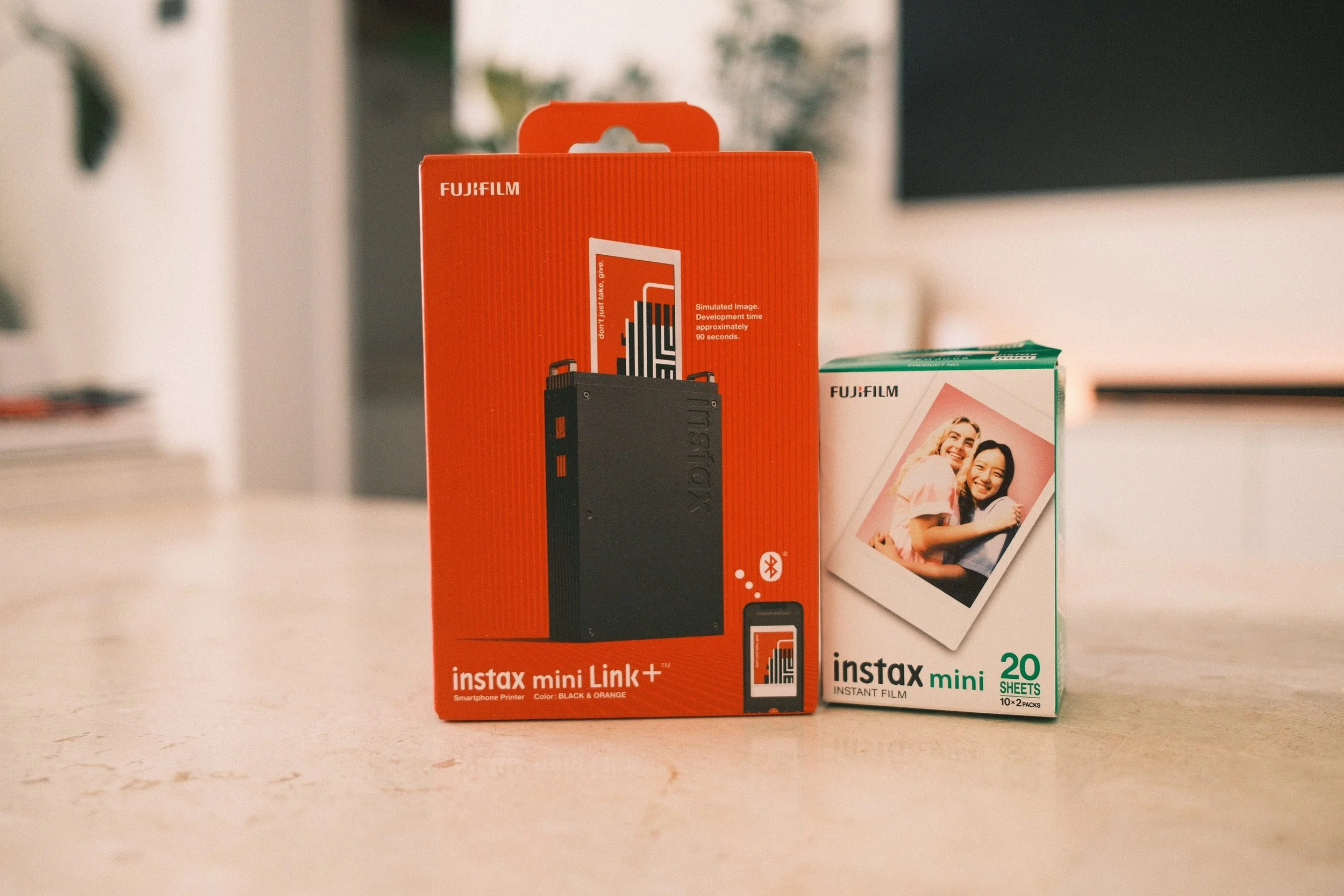
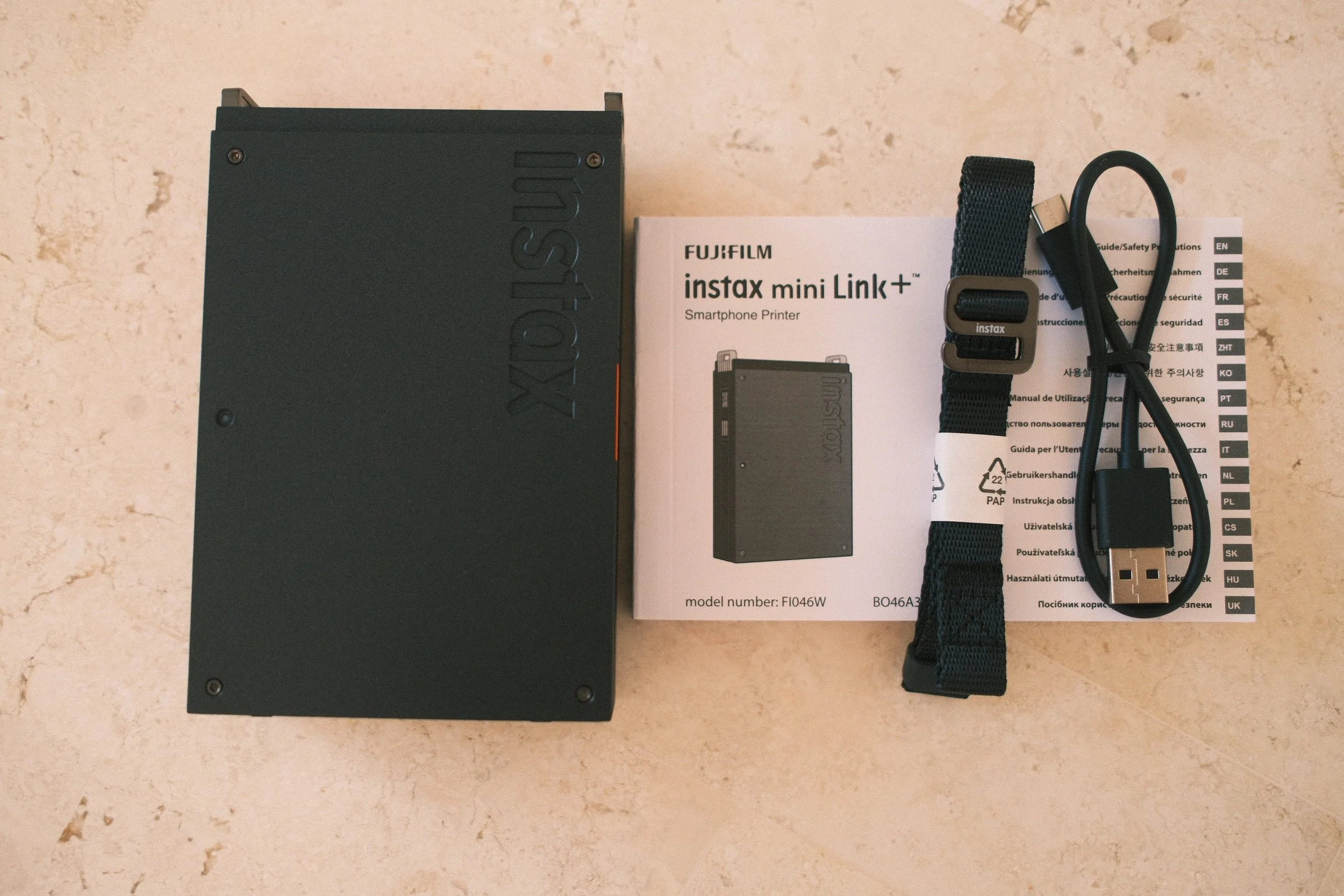
Let’s talk about the look and feel, because let's face it, aesthetics matter when you're carrying gear to professional shoots. Upon unboxing the printer, my immediate thought was that it is such a beautifully designed piece of kit.
I absolutely love the aesthetic of the Mini Link Plus, especially when you compare it to other Instax products on the market. Normally, Instax cameras and printers have a bit more of a rounded, bubbly, almost toy-like appearance. While that’s fun for parties, it doesn't always blend well with a bag full of serious professional camera bodies and lenses. The Mini Link Plus changes that. There is just something about the sharp edges and bold, linear contours that makes it look so much more sleek and professional. It looks like a high-end tool rather than a toy printer.
I'll be totally honest, based on how it looks in the promotional photos online, I initially thought the build was going to be a premium metal casing. It genuinely looks that sleek. It turns out the exterior is actually plastic. When I first realised this, I thought it might be a bit of a negative, but after using it for a couple of weeks, I realised it’s actually a massive benefit. It helps the printer be suuuuper lightweight.
Portability and Everyday Carry
Because it's made from that lightweight plastic, the Mini Link Plus weighs in at just 240g. To put that in perspective, you barely even notice it’s there.
Recently, I’ve been making a massive effort to slim down my everyday carry setup. Whether I’m packing my Wandrd PRVKE Lite or just throwing a few essentials into a compact sling for a day out, space and weight are at an absolute premium. The Mini Link Plus fits into my backpack and my smaller camera cases really easily without taking up precious space or adding unnecessary weight to my shoulders. I can slide it into a side pocket alongside my filters and spare batteries, and I’m good to go.
Performance and the App Experience
Of course, looking good is only half the battle; it actually has to perform. Setting it up was an absolute breeze. Connecting the printer to the Instax Mini Link app on my phone via Bluetooth was incredibly smooth. I’ve dealt with a lot of clunky companion apps for photography gear in the past, but the entire User Experience here is actually really seamless.
Once you select your photo and hit print, the speed is phenomenal. The prints are fast—spitting out the film in roughly 15 seconds. You do still have to wait a couple of minutes for the classic Instax film to fully develop before your eyes, but the mechanical printing process itself is rapid.
More importantly, the print quality is way better than I was expecting. It uses the standard Instax Mini film, which is easy to find and relatively affordable. Despite the small size of the film, the text, colours, and finer details come out remarkably sharp. It seems Fujifilm has really upgraded the print processing engine packed into this model. Whether I’m printing a brightly lit landscape or a moody, contrast-heavy portrait, the printer handles the dynamic range surprisingly well for an instant format.
How I Plan to Use It for Client Work
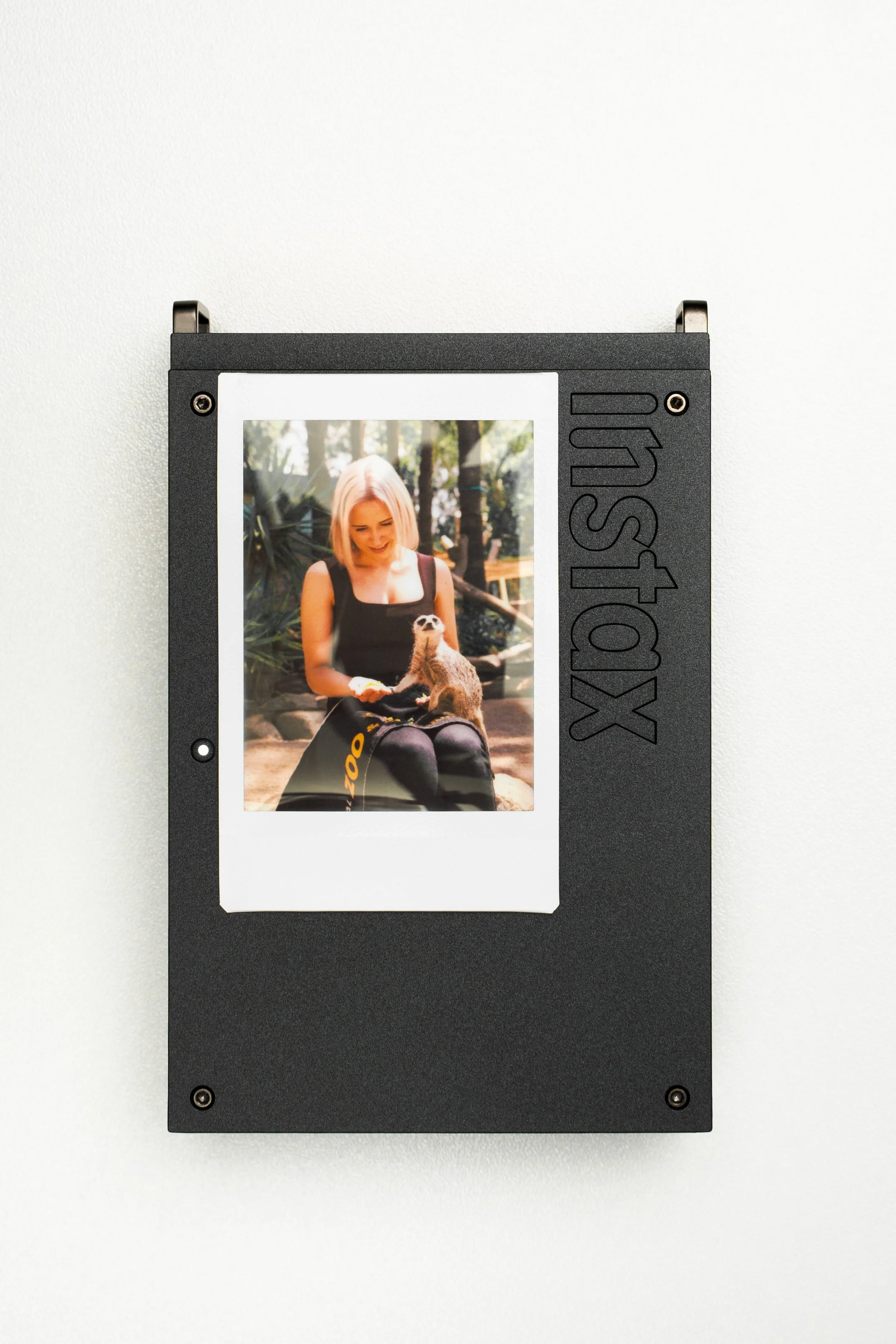
This is where the Mini Link Plus really shines for me. Quite a lot of my client work involves being on location for professional photography—whether that’s corporate events, brand activations, or private parties. The market is incredibly competitive, and I am always looking for ways to add a little extra value and stand out from the crowd.
I am really looking forward to bringing this printer along to the events that I am hired to shoot.
My plan is simple: during a quiet moment, I’ll transfer a couple of the best shots from my Sony A7CII or Fujifilm X100VI straight to my phone, connect to the Instax app, and print them out. Being able to provide a quick, physical print right on site before I pack up and leave is such a great way to give the client a little tangible memento from the day.
Imagine handing a client a beautifully sharp, physical Polaroid-style print of themselves before they even get the digital gallery. It’s a massive "wow" factor. It’s those little, thoughtful touches that leave a lasting impression, generate word-of-mouth referrals, and make a big difference in the professional world.
The Technical Details (For Those Who Love Specs)
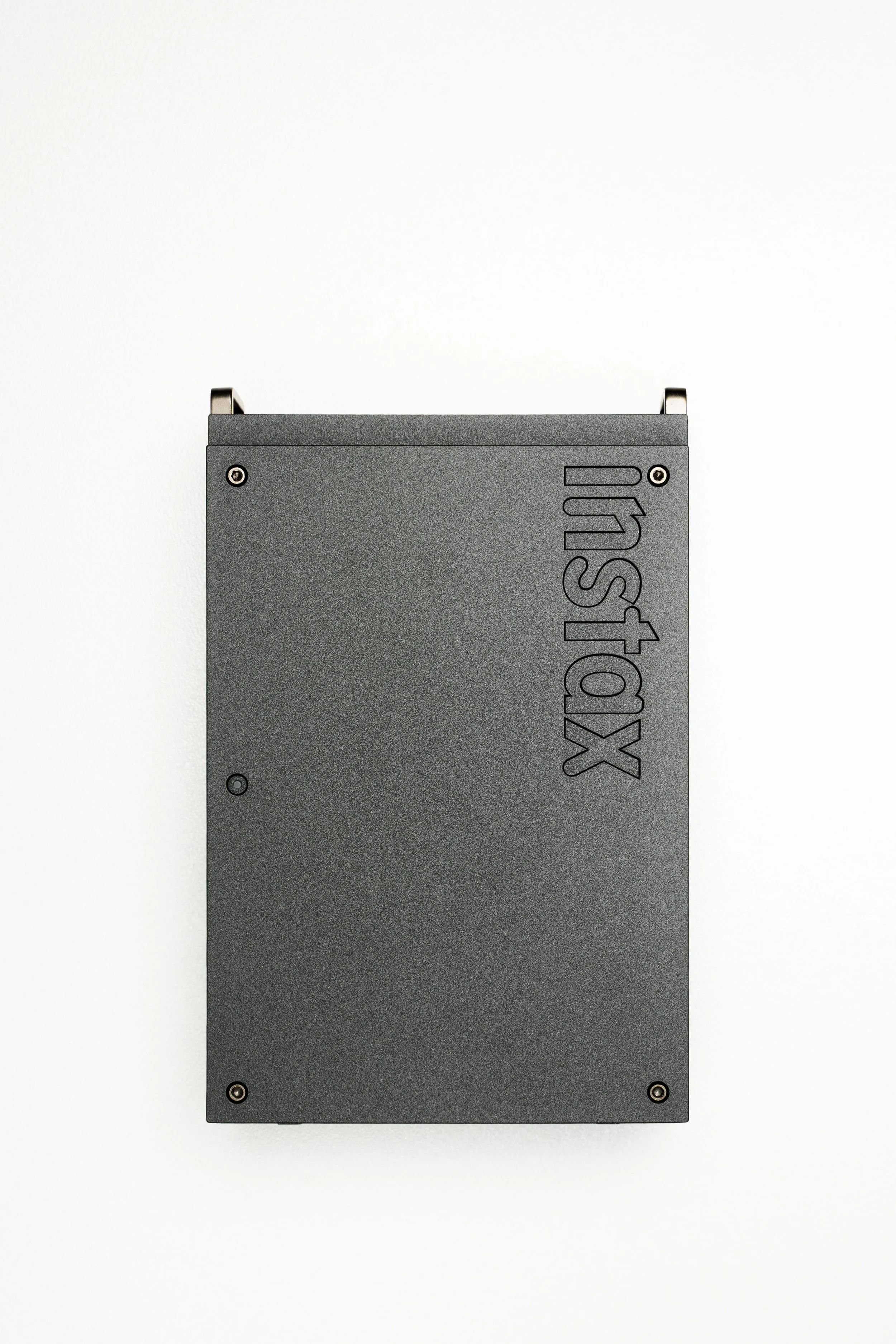
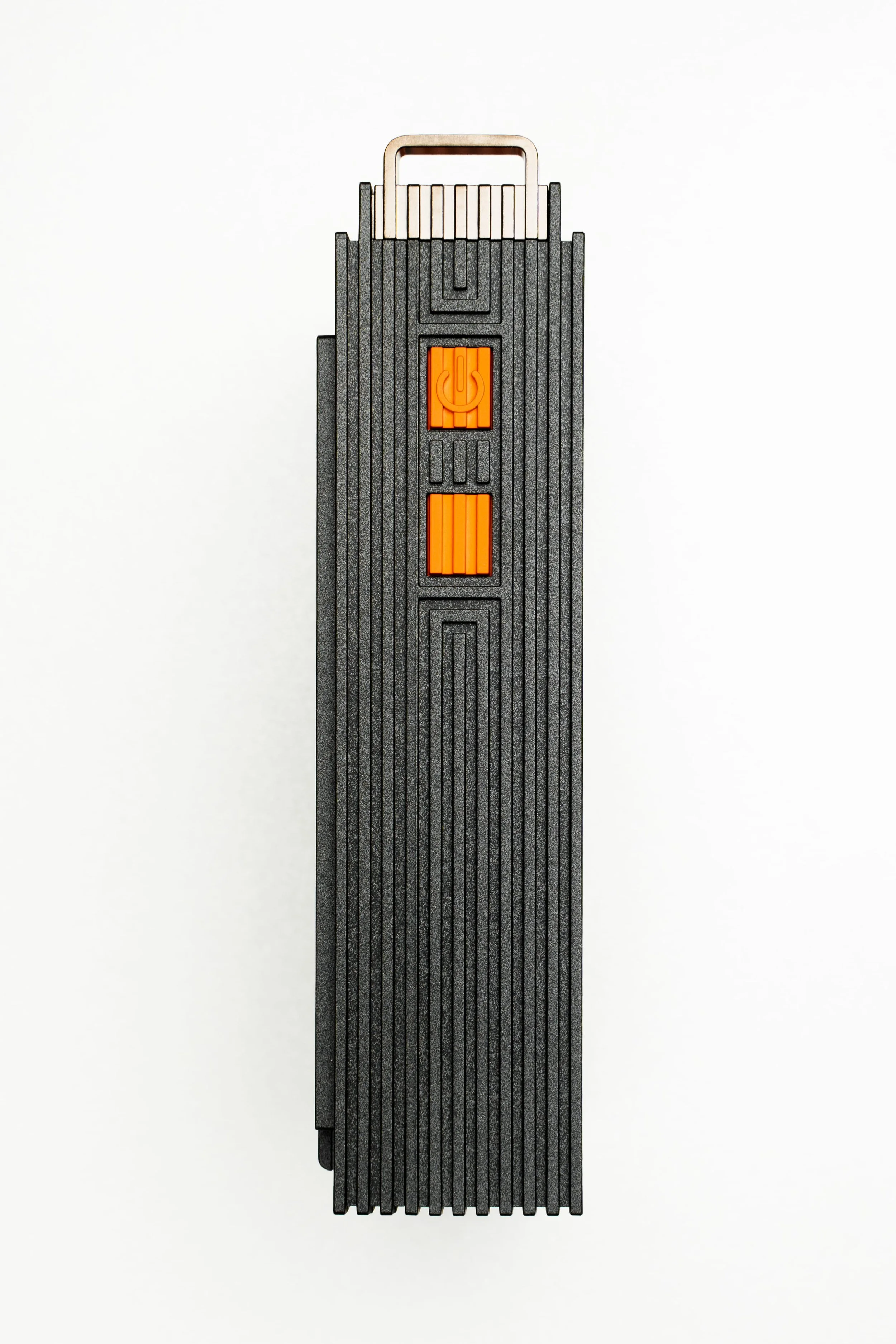
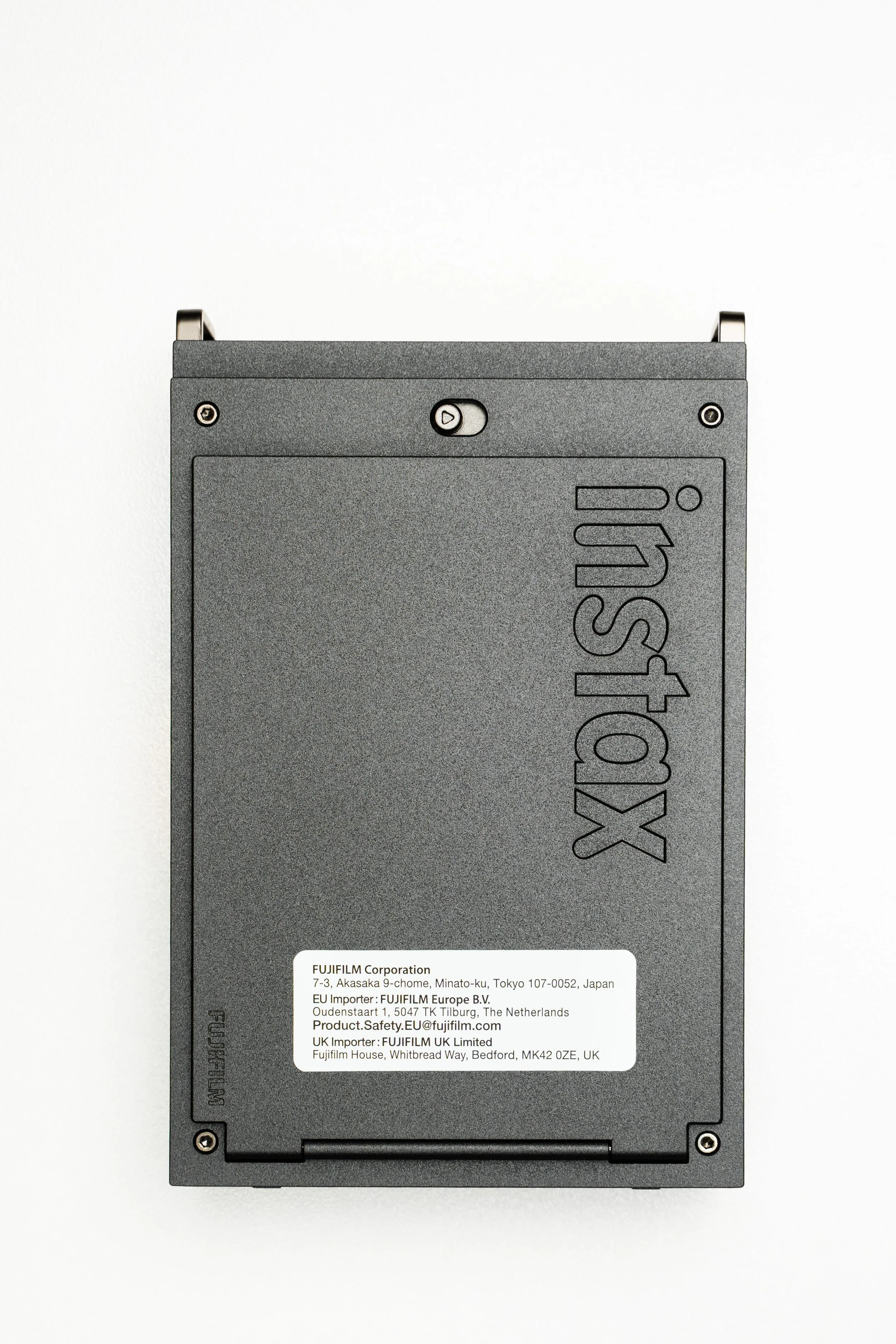
While I promised not to get too bogged down in the technicalities, I know some of you love the hard facts. Here is a quick rundown of the essential specs for the Fujifilm Instax Mini Link Plus:
Price: Retails for around $229 AUD (a very reasonable business expense or gift).
Weight: 240g (without the film cartridge loaded).
Dimensions: 86.7 x 33.4 x 128 mm (perfectly pocket-sized).
Print Speed: Approximately 15 seconds from sending the file to the print ejecting.
Connectivity: Bluetooth 5.1 (stable and reliable).
Supported Image Formats: JPEG, PNG, HEIF, DNG.
Charging: USB-C (Thank goodness! It takes about 1.5 to 2 hours for a full charge, and one charge will last you for about 100 prints).
Closing Thoughts
Overall, I am genuinely very impressed by the performance, the seamless app experience, and the premium aesthetic of this little printer. It has seamlessly integrated into my camera bag without weighing me down.
If you are a professional photographer wanting to offer on-the-spot physical memories to your clients, or just a content creator looking for a portable, sleek printer that fits right in with your professional gear, the Fujifilm Instax Mini Link Plus is well worth checking out. It bridges that gap between our digital screens and the real world in a really fun, yet professional, way.