

Why I Stopped Editing Every Photo (And Why Your "More is More" Mentality is Killing Your Business)
Honestly, I used to be that photographer. You know the one.
The one who would go out on a shoot, hold down the shutter button like I was firing a machine gun, and come home with 1,000 images for a one-hour session. And here’s the worst part: I used to think I was doing the client a favour.
"Look at all this value!" I’d tell myself. "I’m giving them so many options."
I thought culling—the process of rejecting bad photos—was for lazy people who didn't care about their clients. I was terrified that if I deleted a photo, I might be deleting the one shot that the client would have loved (FOMO is real, guys).
But here’s the thing.
After spending countless nights glued to my screen, realising my hourly rate had dropped to basically zero because of how long I was spending in Lightroom... I had a light-bulb moment.
Sending a client hundreds of "okay" photos isn't generous. It's overwhelming. It’s messy. And honestly? It makes you look like an amateur.
If you are struggling to let go of your photos, or if your editing workflow feels like wading through treacle, this post is for you. Let's talk about the art of the cull.
Why We Hoard Photos
I get it. When you buy your first professional camera like the Sony A7CII, you get excited. You want to capture every micro-expression.
But there is a massive psychological trap here. We think that Quantity = Value.
We fear loss more than we desire gain. We are scared to delete that slightly out-of-focus shot because "maybe I can sharpen it in post." (Spoiler: You can’t save a blurry photo, and you shouldn’t try).
When I first started, I would drag everything into Lightroom. The loading bars would crawl across the screen. My laptop fans would sound like a jet engine preparing for takeoff. And I would sit there, paralysed by choice, trying to decide between two identical photos where the only difference was the position of a cloud in the background.
It was terrible.
The Power of "Less But Better"
The turning point for me wasn't a specific piece of gear, oddly enough. It was the realisation that my time is my most valuable asset.
When I upgraded to the A7CII (review here, I got a nice bump in megapixels. That’s great for cropping and detail, but it also means bigger file sizes. If I didn't fix my culling process, those larger files were going to choke my hard drives and my patience.
I decided to try a new approach. I decided to be ruthless.
Instead of looking for reasons to keep a photo, I started looking for reasons to reject it.
Eyes closed? Gone.
Slightly soft focus? Bye.
Awkward hand position? See ya.
Duplicate shot? Pick the best one, nuke the rest.
The result? I went from delivering huge, diluted galleries to delivering tight, impactful collections where every single image was a banger. And guess what? My clients were happier. They didn't have to sift through the junk to find the gems.
The Workflow: How to Cull Like a Pro

So, how do you actually do this without having a panic attack? You need a system. A workflow.
Here is the exact process I use to get my practice in and keep my sanity intact.
1. Don't Cull in Lightroom (Unless You Love Waiting)
Lightroom is incredible for colour grading and post-production, but it is notoriously slow for rendering previews.
If you are trying to flip through 2,000 RAW files in Lightroom, you are wasting seconds on every image. Those seconds add up to hours. Use dedicated culling software (like Adobe Bridge, Photo Mechanic or Narrative Select). These programs render the embedded JPEG preview instantly. You can fly through a shoot in minutes, not hours.
2. The Star Method
Personally, I use a 5 star system. I go through each image and I rate all the ones I want to keep a 4, and if there are any exceptional ones, I rate them a 5, and for any I am unsure of and want to revisit, I rate a 3. This might not work for everyone, there is definitely more efficient ways that are either a "yes or no", but I prefer the star system (for now).
3. The "Blink" Test
If you are shooting portraits or weddings, you will have duplicates. I often shoot in bursts (the autofocus on the A7CII is insane for this ).
When you have 5 shots of the same moment, toggle back and forth between them quickly. The one where the eyes are sharpest and the expression is most flattering wins. The other 4 get the chop. Be savage.
4. Watch Your Storage (and Your Wallet)
We often forget that digital clutter costs real money.
I use high-quality SSDs and the Nanuk 935 case to protect my gear (review here), but hard drives fill up fast. Storing 5,000 unedited RAW files "just in case" is a waste of money. By culling aggressively, you save terabytes of space over a year.
Also, purely from a safety perspective—if you are backing up garbage photos, you are making your backup process longer and more prone to failure.
The Psychology of the "Hero" Shot
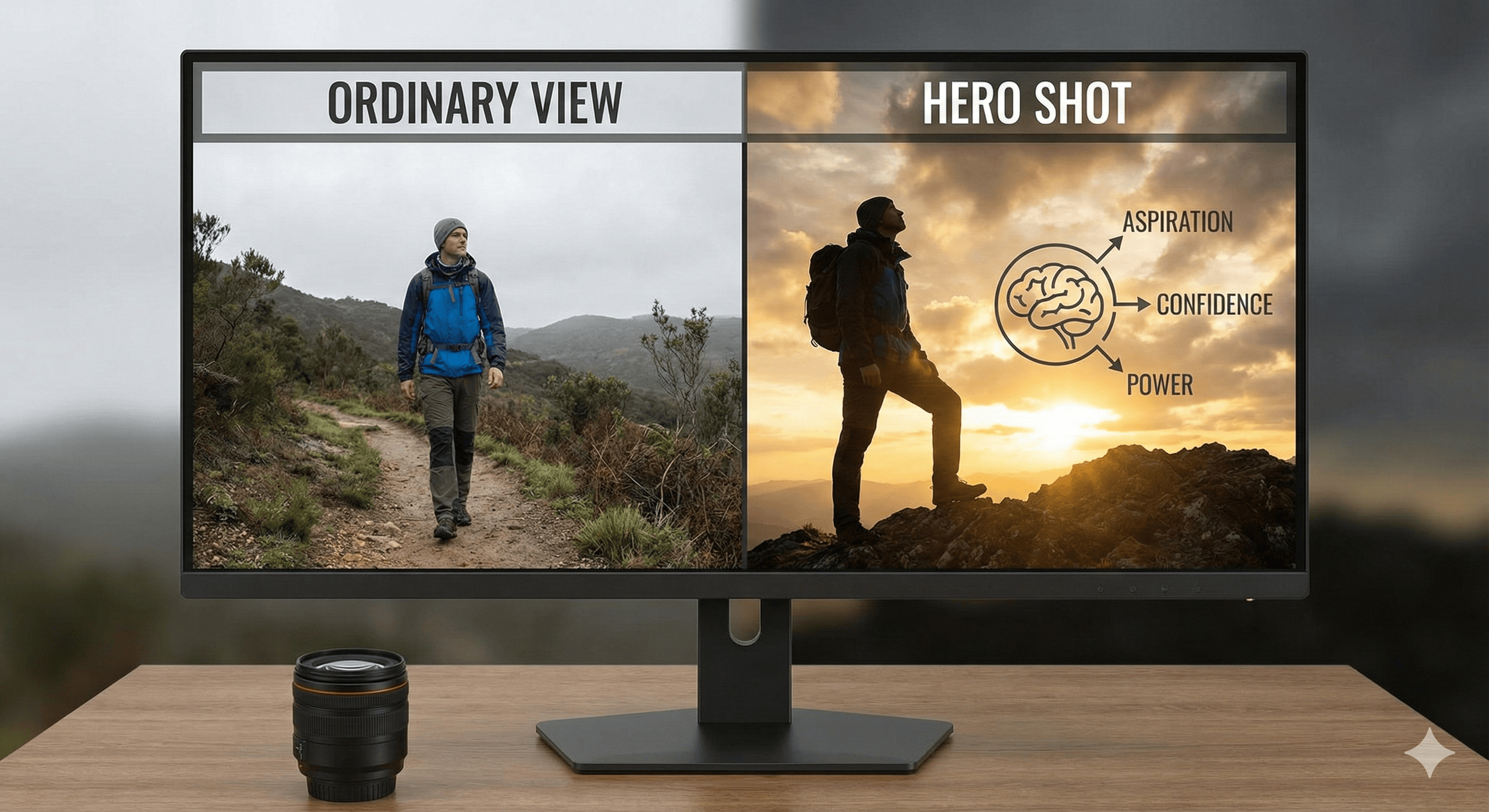
I remember when I was in the school band in high school and one of my music teachers always said 'you're only as good as your worst player'. 13 year old me didn't quite understand what he meant until the years went by and it became clear to me that it's true - turns out the same logic applies to our photography portfolios.
Here is a truth bomb for you: Your portfolio is judged by your worst photo, not your best one.
If you deliver a gallery with 10 incredible "hero" shots and 40 mediocre "filler" shots, the client will perceive the overall quality as mediocre.
But if you cull those 40 filler shots and just deliver the 10 heroes? You look like a magician.
(And let's be honest, we all want to look like we know exactly what we're doing).
Become a Curator, Not a Hoarder
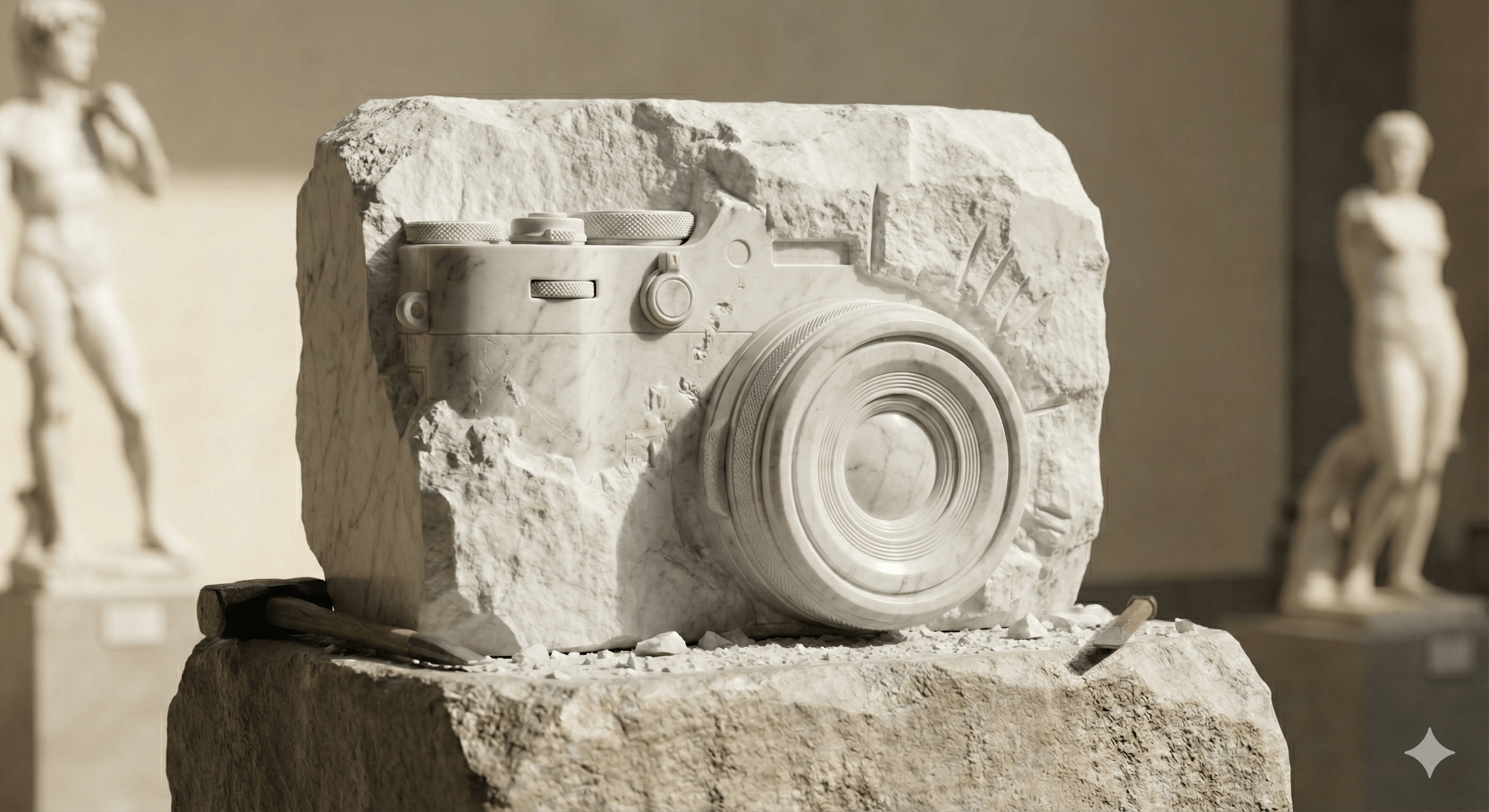
I used to be a hypocrite. I used to tell people "every shot matters." Now? I realise that the story matters.
Culling is not about deleting your work. It is about refining your vision. It is the first step of editing. It is where you decide what the shoot felt like. I think of it like the famous quote by Michelangelo regarding how he created David “I didn't, he was already in there. I just chipped away everything that wasn't David”.
Once you strip away the unintentionally blurred, the blinking, and the boring, you are left with something honestly stunning. You are left with the work you are actually proud of.
So, here is my challenge to you: Next shoot, try to cut your final delivery count by 20%. Be stricter. Raise your standards.
What are the odds that your client complains about receiving fewer, higher-quality images? (Hint: Zero).
Key Takeaways for Your Next Shoot
Shoot with intent: Don't spray and pray just because you have a big memory card.
Cull fast: Use software built for speed, not editing.
Be savage: If it’s not a "Hell Yes," it’s a "No." (thanks Mark Manson)
Trust your gut: Your first instinct on a photo is usually right.
I’m working on a new project, and I’d love for you to be a part of it!
After trying multiple photo culling apps, I realised I wanted something better.
I wanted the advanced features of expensive apps that are on the market, but also one that felt native to use on my MacBook. My goal is to be able to offer an app like this to the photography community at around 50% of the cost of the competitors, with no upsell on new features or "pro" packaged features.
Essentially, I just want to be able to offer something powerful, yet affordable (equivalent to a cup of coffee per month) ☕️
Features implemented so far:
Auto face detection
Close up panel that shows a zoomed in view of all faces in the image so that you can see which is sharp/facial expressions etc
Sharpness scorings
Coloured indicators for if the image has a person looking at the camera + is in focus (green, orange, red colour indicators)
Icons to show if a person’s eyes are open or closed
Quick compare tool with zoom and panning function
Star ratings
Filter by file type and date image was captured
Similarity slider that groups photos that look the same
Automatic smart tagging of images based on elements seen in the image (tags added as filter options)
Shot List feature that allows you to set your own parameters regarding what types of shots you needed to deliver, as well as how many of each type. This helps you keep track of what images you are keeping so you don't accidentally forget to give specific shots to clients. Part of this also allows for the automatic renaming of these specific files relating to the type of shot you categorised them as.
Omni-Channel Preview - easily toggle overlays to show you what various crops would look like on your images (Instagram, TikTok, Youtube dimensions) plus the ability to create your own custom crop presets.